
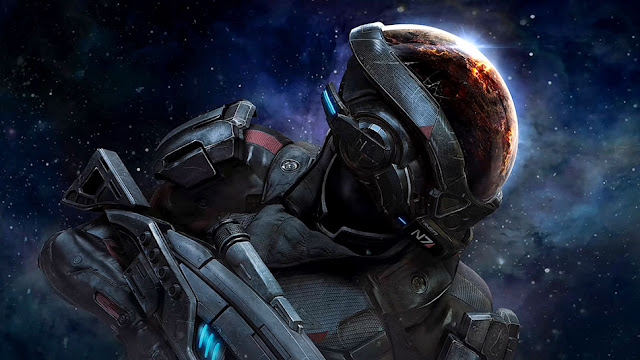
This game does not seem to use the PS4/PS5 HDR system calibration settings. Before adjusting, make sure you have set the TV settings correctly. Adjust HDR Peak Value slider using the table below:
| HDR Peak Value slider, Clicks | Brightness, Nits |
|---|---|
| 0 | 100 |
| 1 | 200 |
| 2 | 300 |
| 3 | 400 |
| 4 | 500 |
| 5 | 600 |
| 6 | 700 |
| 7 | 800 |
| 8 | 900 |
| 9 | 1000 |
| 10 | 1100 |
| 11 | 1200 |
| 12 | 1300 |
| 13 | 1400 |
| 14 | 1500 |
| 15 | 1600 |
| 16 | 1700 |
| 17 | 1800 |
| 18 | 1900 |
| 19 | 2000 |
| 20 | 2100 |
| 21 | 2200 |
| 22 | 2300 |
| 23 | 2400 |
| 24 | 2500 |
| 25 | 2600 |
| 26 | 2700 |
| 27 | 2800 |
| 28 | 2900 |
| 29 | 3000 |
| 30 | 3100 |
| 31 | 3200 |
| 32 | 3300 |
| 33 | 3400 |
| 34 | 3500 |
| 35 | 3600 |
| 36 | 3700 |
| 37 | 3800 |
| 38 | 3900 |
| 39 | 4000 |

Post a Comment